![startupscom-logo-420-1.png]](https://help.startups.com/hs-fs/hubfs/startupscom-logo-420-1.png?height=40&name=startupscom-logo-420-1.png)
Yes, you can remove investors from your saved list at any time.
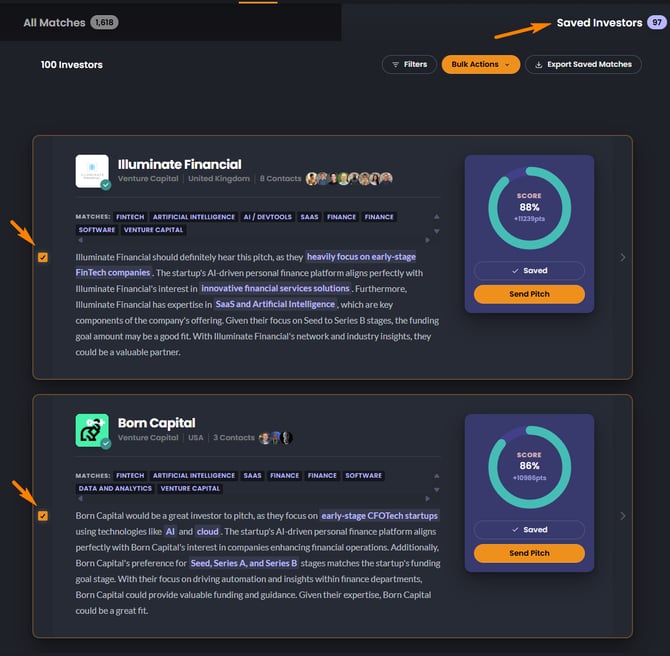
How to Remove Saved Investors
- Go to your Saved Investors list
- Find the investor you want to remove
- Uncheck the box next to their name
Once unchecked, the investor will automatically be removed from your saved list.
What Happens When You Remove an Investor?
- Your saved investor count will update automatically
- The investor will no longer appear in your saved list
- Any previous outreach activity or interactions will remain unchanged
Tips
- You can remove multiple investors at once by unchecking several names
- If you change your mind later, you can always save the investor again