![startupscom-logo-420-1.png]](https://help.startups.com/hs-fs/hubfs/startupscom-logo-420-1.png?height=40&name=startupscom-logo-420-1.png)
If you’re interested in becoming an advisor on Startups.com, you can submit an application directly through our Advisors page.
Go to https://www.startups.com/advisors. Once you’re on the page, look for the Become an Advisor section and click Apply.

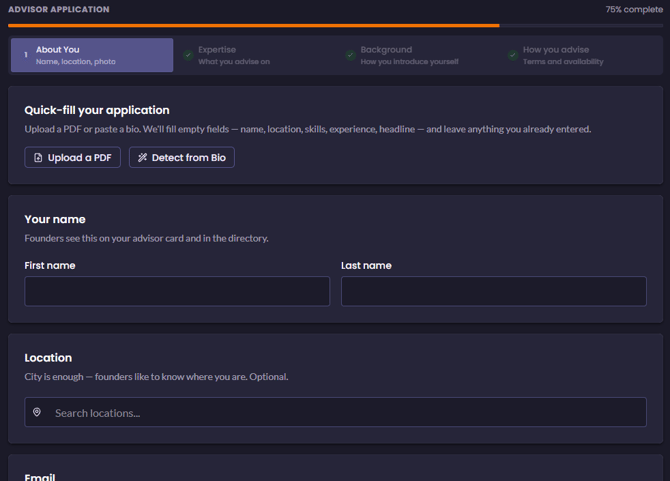
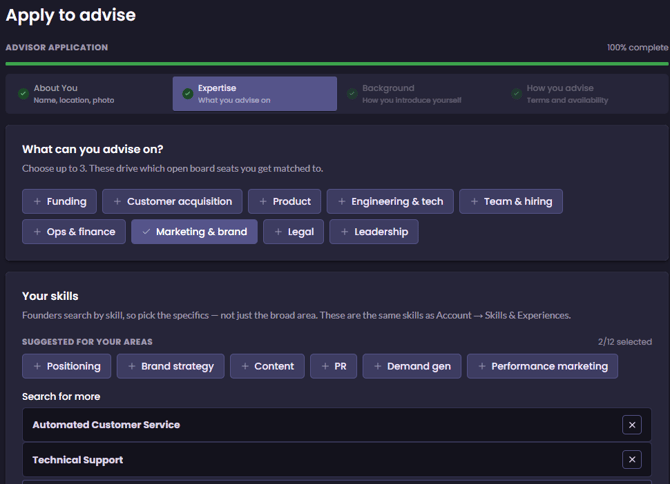
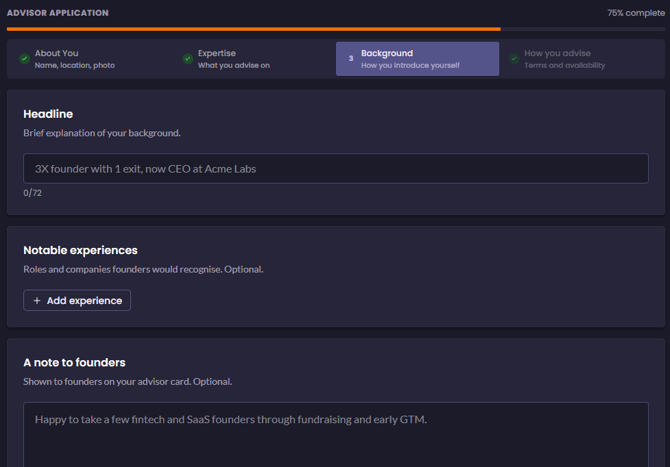
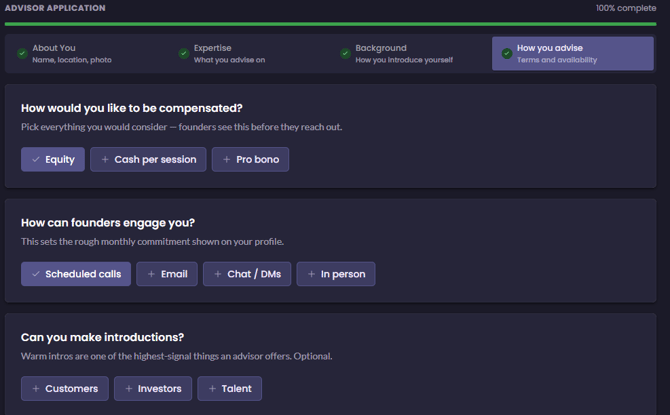
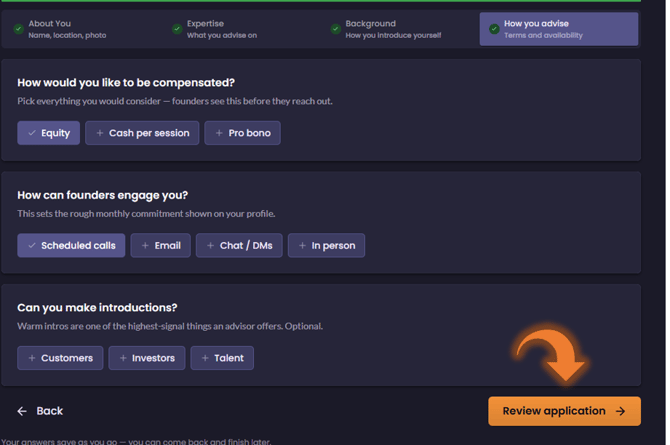
You’ll be redirected to the advisor application form. The application is divided into four sections:
About You – Provide your basic information and details about yourself.
Expertise – Tell us about the areas where you have the most experience and can provide guidance.
Background – Share more information about your professional experience and accomplishments.
How You Advise – Let us know how you prefer to work with and support founders.
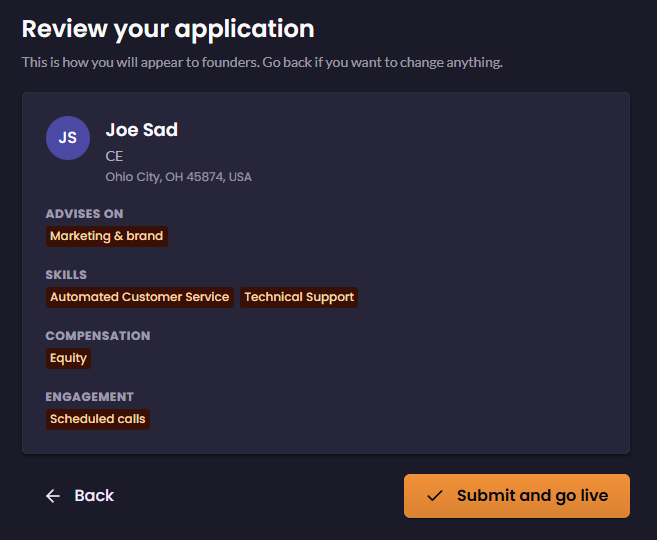
Once you’ve completed all four sections, click Review Application. You’ll be able to preview the information you entered before submitting it.
If everything looks good, click Submit and Go Live to send your application for review.
After submitting, please allow 24–48 hours for your application to be reviewed. Once the review is complete, you’ll receive an email letting you know whether your advisor application has been accepted or declined.