![startupscom-logo-420-1.png]](https://help.startups.com/hs-fs/hubfs/startupscom-logo-420-1.png?height=40&name=startupscom-logo-420-1.png)
Your Startups.com Inbox is where you receive messages from advisors and other founders in the community. You can access your inbox here: https://www.startups.com/inbox
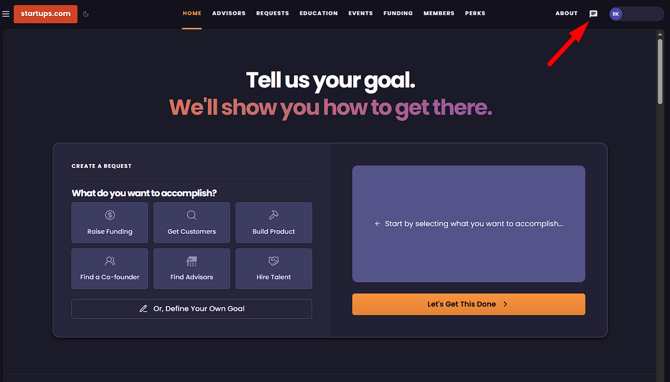
Why Check Your Inbox?
You may receive:
- Feedback from advisors
- Messages from other founders
- Follow-ups from previous conversations
- Opportunities to connect and collaborate
Notes:
For Advisor Access members, it's especially important to check your inbox regularly, as our team may contact you there to schedule your monthly 1:1 advisory meeting.
If a message remains unread for more than 5 minutes, you'll automatically receive an email notification so you don't miss important conversations.