![startupscom-logo-420-1.png]](https://help.startups.com/hs-fs/hubfs/startupscom-logo-420-1.png?height=40&name=startupscom-logo-420-1.png)
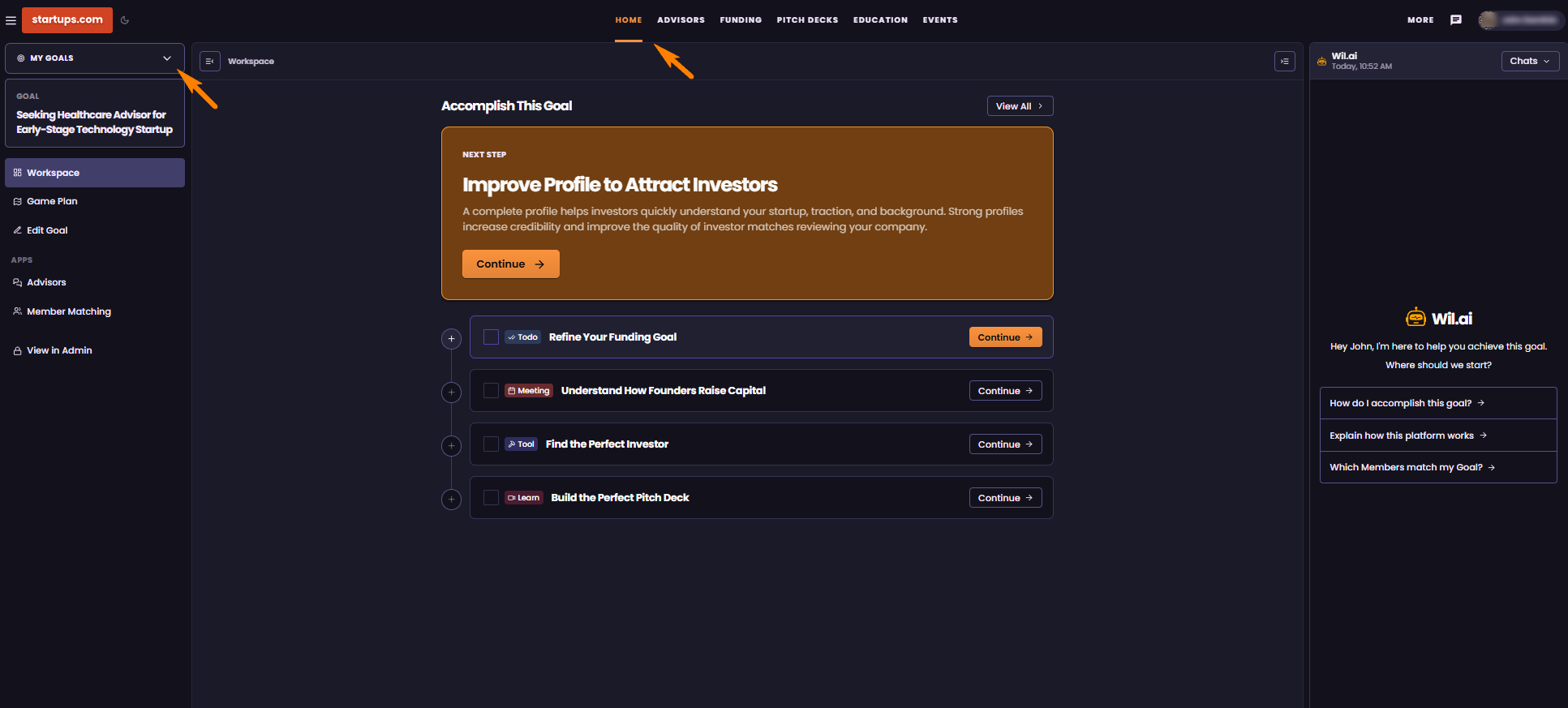
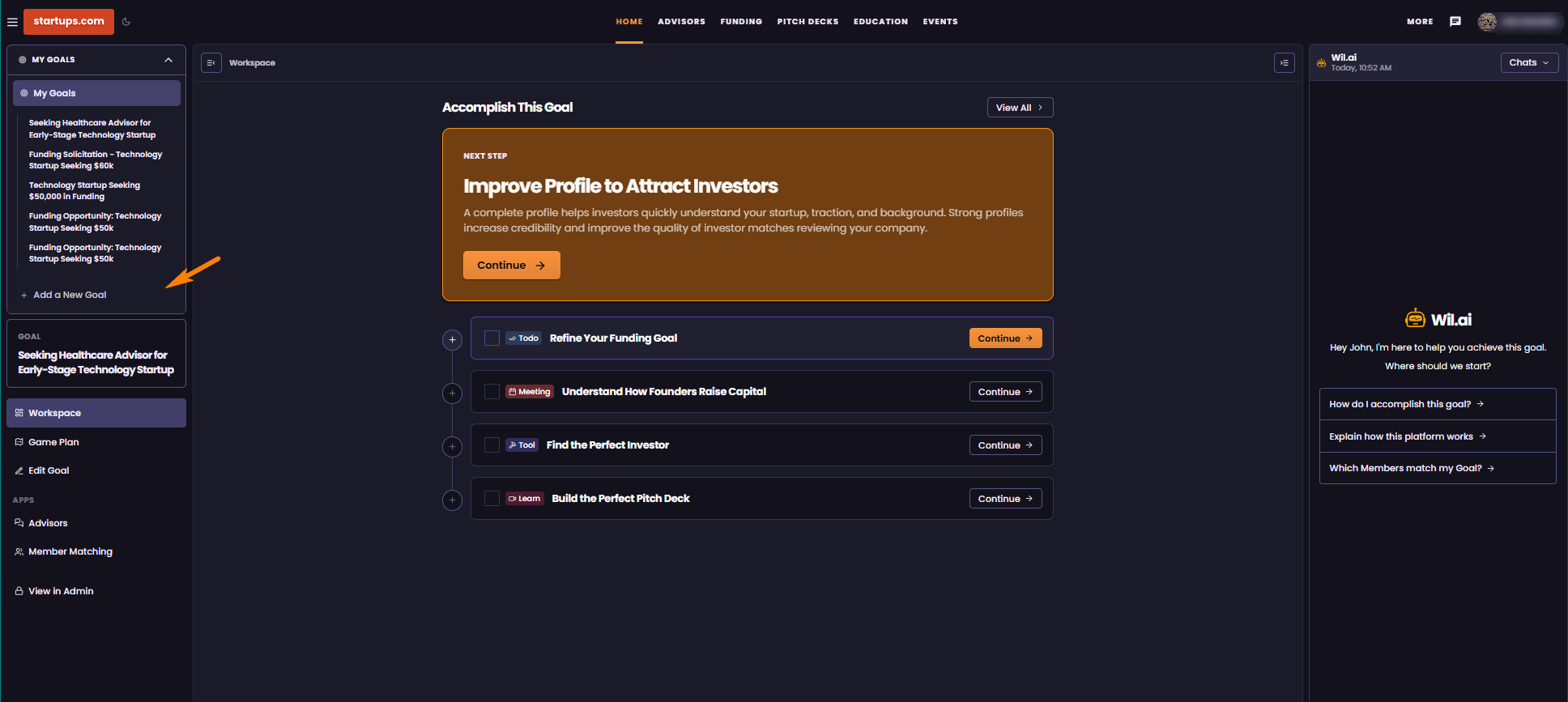
To create a new Goal, start from the Home Page and locate My Goals on the left side of your screen. Hover over the My Goals tab to see any goals you’ve previously created.
From this menu, you can quickly access an existing goal or start a new one. Simply click + Add a New Goal to create your first or new one and get started.
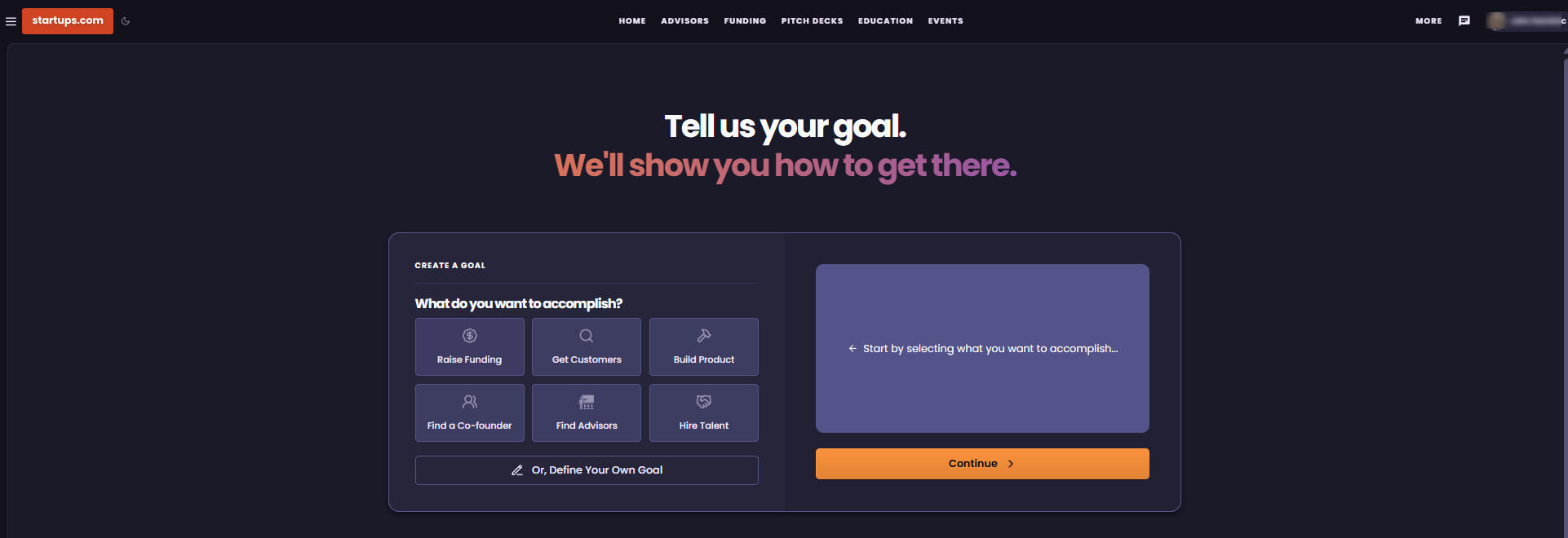
This will take you to the Create a Goal page, where you can choose the type of goal you’d like to create. Review the available options and select the one that best matches what you’re currently trying to accomplish.
Once you’ve selected a goal, simply follow the prompts to provide more information about your needs and continue setting up your goal.